Book Anytime
Let customers request appointments at their convenience.

Bookbell
Bookbell sets up a professional online booking website for your business, helping customers book with ease while you focus on serving them.

Built for Hong Kong small businesses — less admin, clearer booking for your customers.
Let customers request appointments at their convenience.
Spend less time coordinating appointment times.
Present your services through a polished booking experience.
Help customers find services and available slots.
These demo screens show how customers can browse services, pick a time and request a booking.
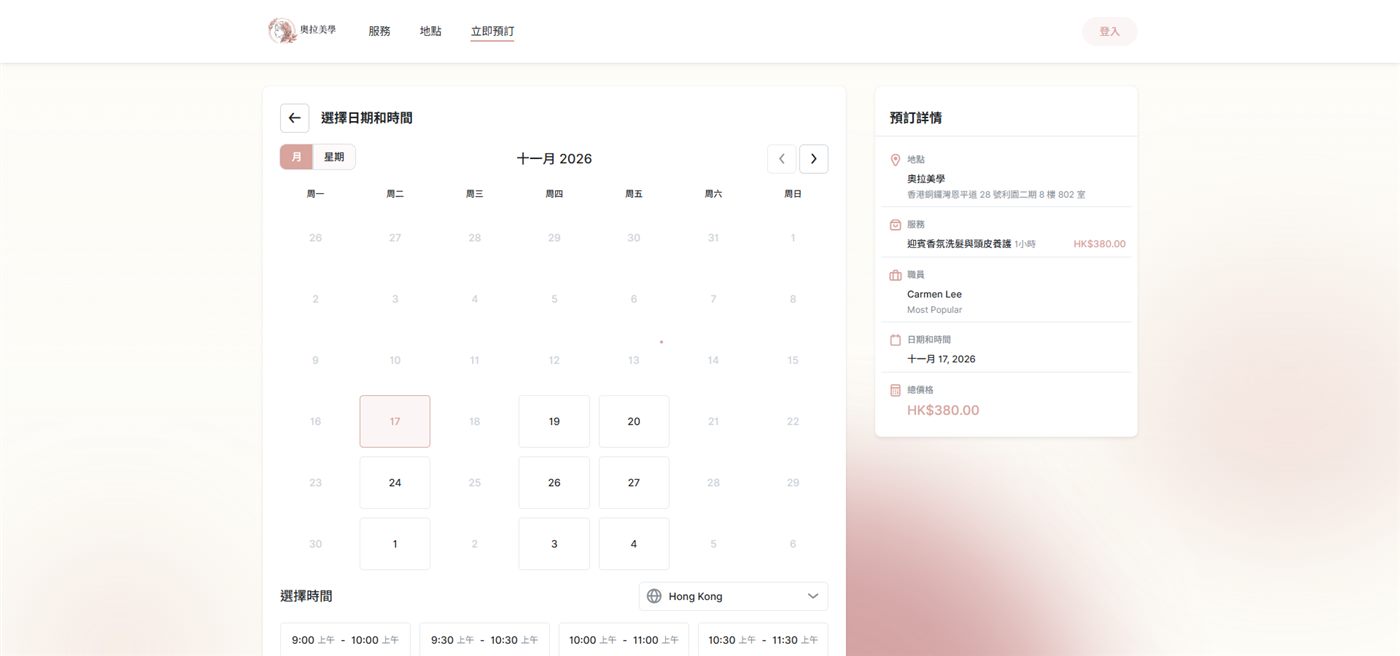
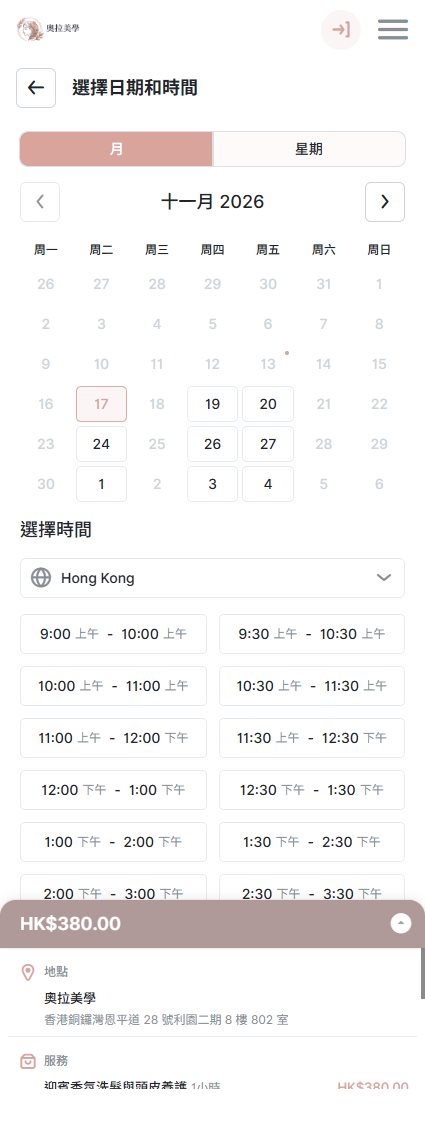
Clear and usable on phones too
Within the agreed scope, Bookbell helps present your brand clearly in the booking experience.
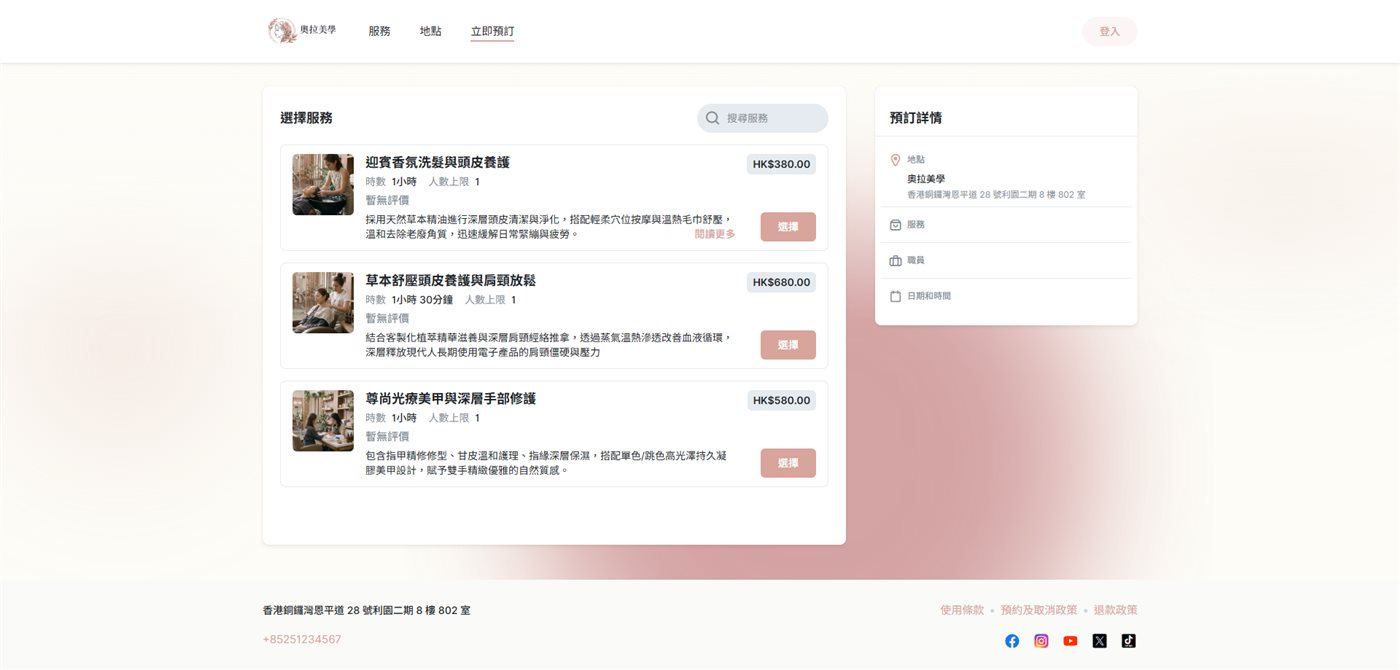
Logo presentation
Show your business logo clearly on the booking page.
Colours and typography
Align the experience with your confirmed brand colours and tone.
Customer first impression
A clean, professional layout that helps customers trust and complete a booking.
Brand presentation options are confirmed per engagement. We do not promise unlimited customisation without verification.
From the booking page to schedules and notifications, we help set things up within the agreed scope.
Online booking page
Create a clear booking page where customers can review services and request appointments.
Service and schedule setup
We help configure services, business hours and available slots within the agreed scope.
Booking notifications
Set up booking-related customer notifications to reduce missed appointments and back-and-forth.
Mobile-friendly booking
A booking experience designed for phones so customers can browse and book on the go.
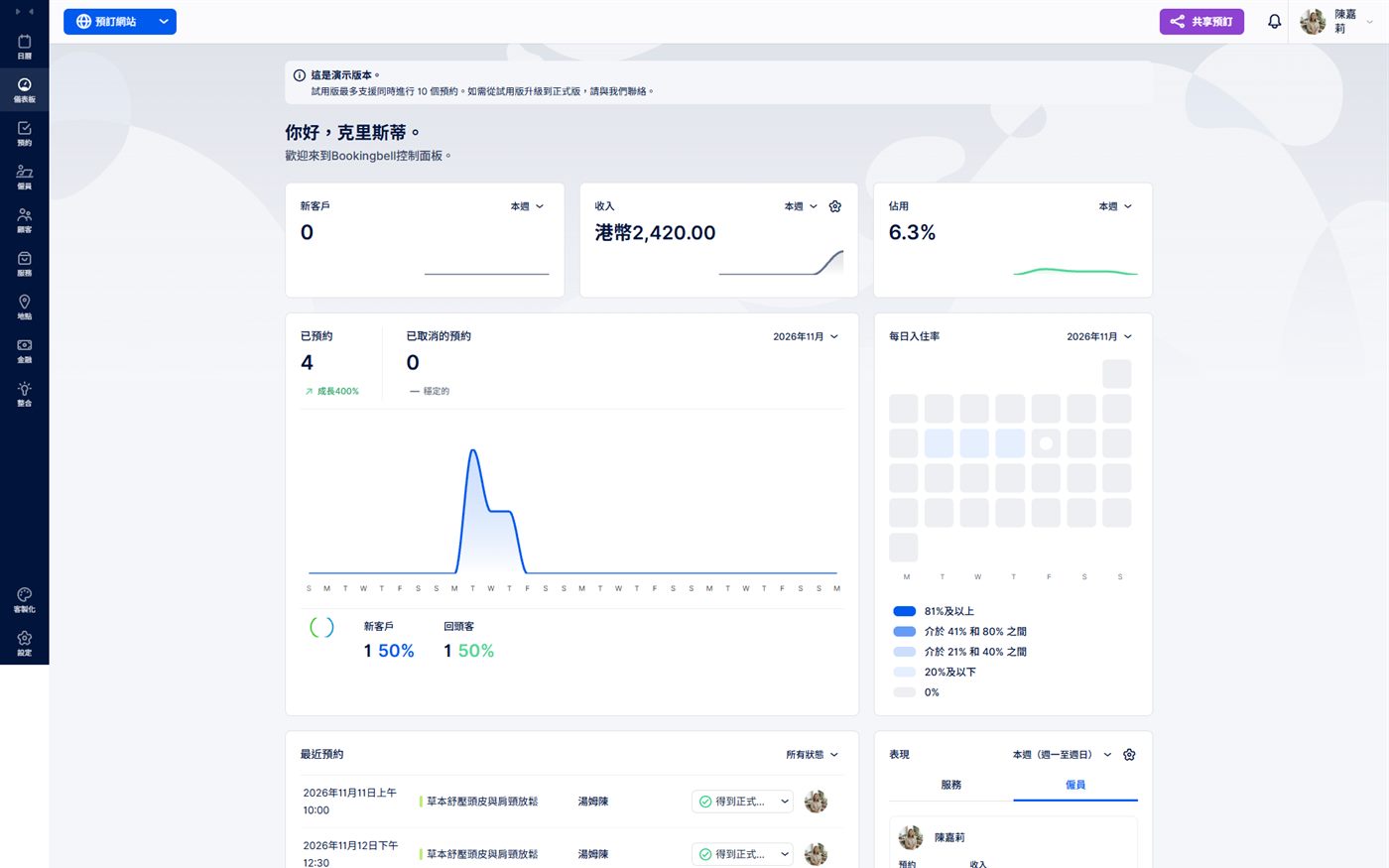
Overview dashboard
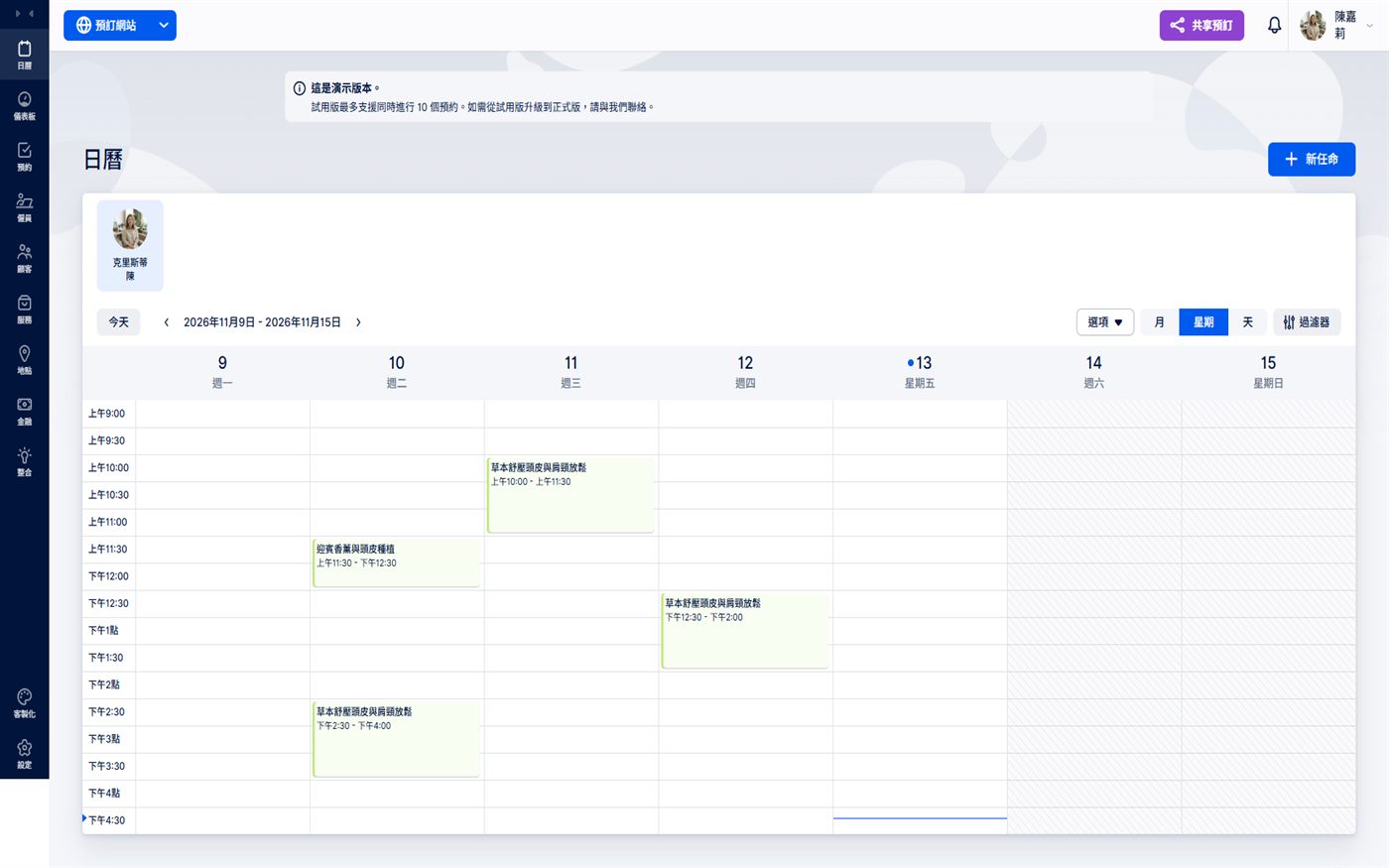
Booking calendar
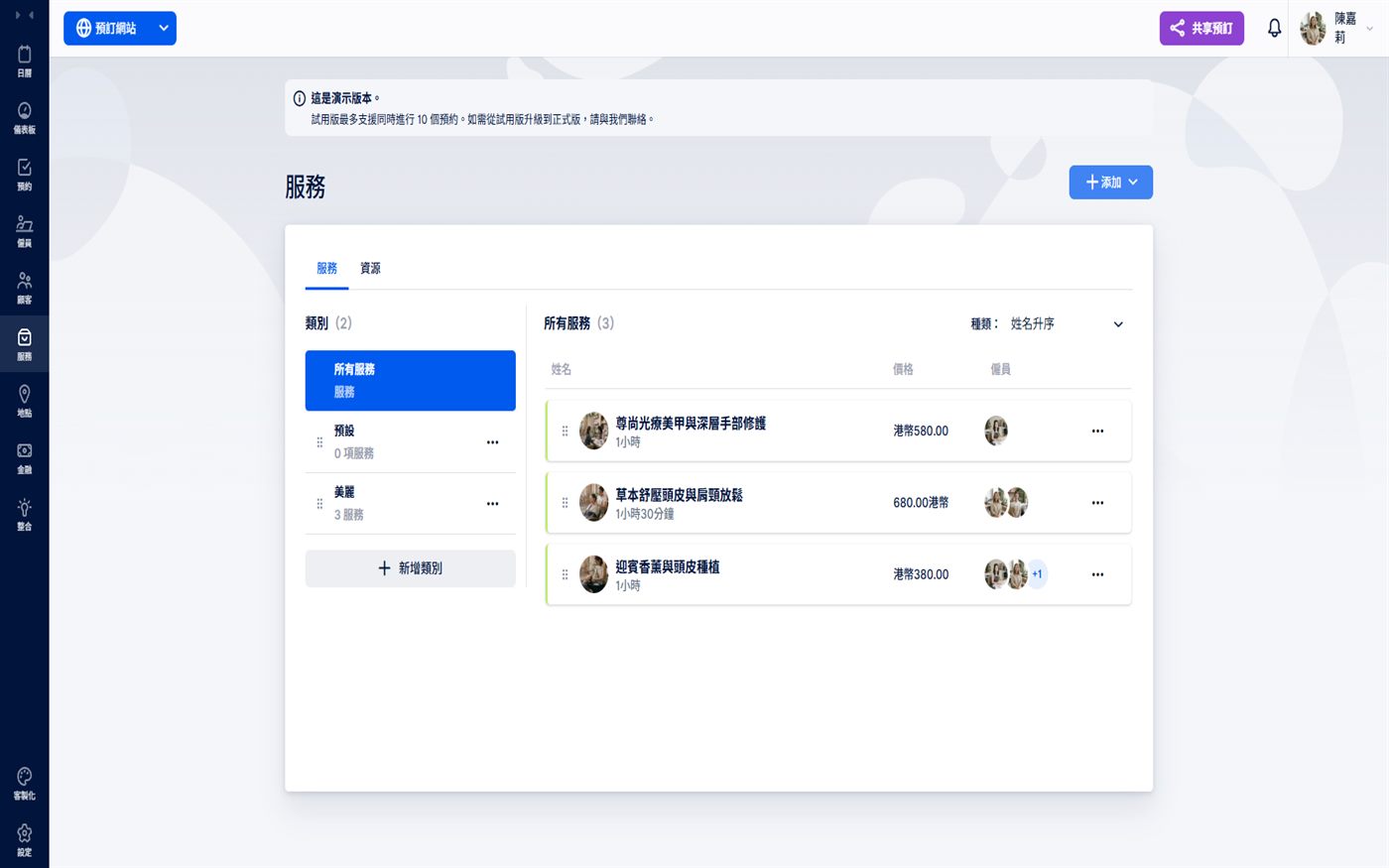
Services
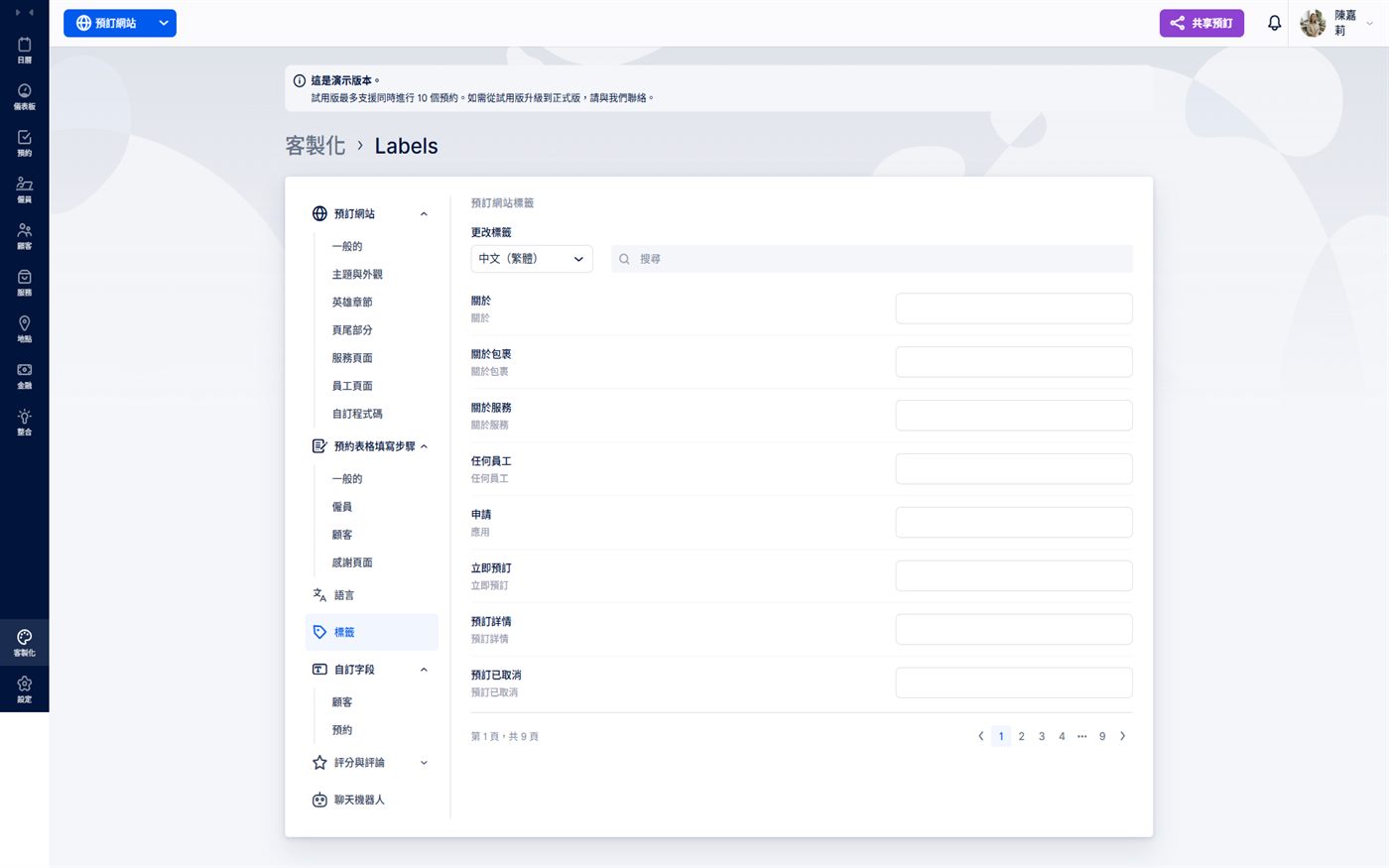
Interface labels
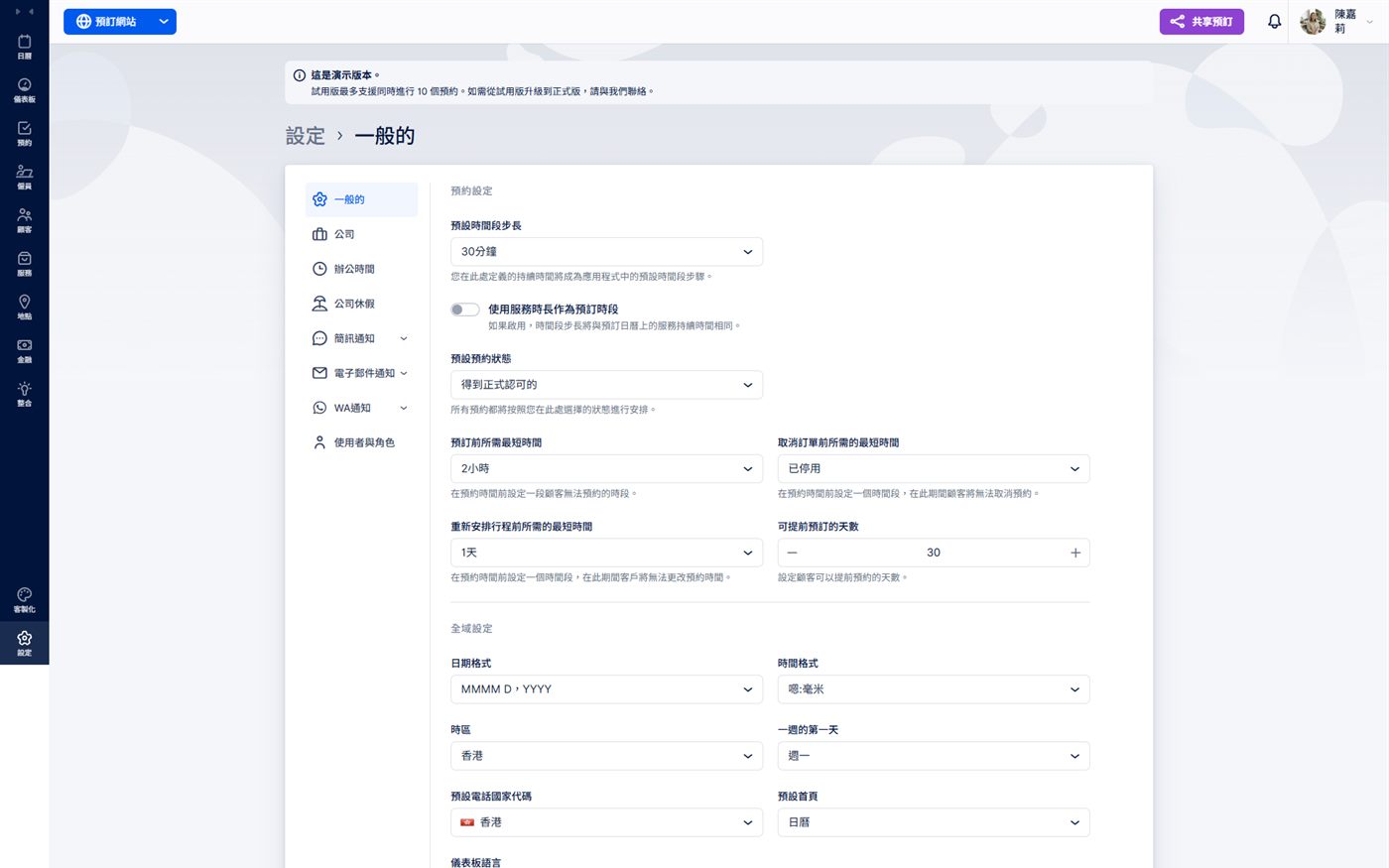
General settings
Three clear steps, delivered within the agreed service scope.
Tell us about your services and booking workflow.
Bookbell configures your setup according to the agreed scope.
Go live after reviewing the setup and booking experience, with support as agreed.
A quick look at how Bookbell helps you set up an online booking website.
Fill in the form with your business needs. Bookbell will help set up a professional online booking website within the confirmed scope.